
- Runs UniFi Network for full-stack network management
- Manages 30+ UniFi Network devices and 300+ clients
- 1 Gbps routing with IDS/IPS
- Multi-WAN load balancing
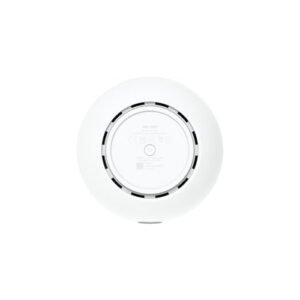
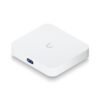
- 0.96″ LCM status display
- USB-C powered (adapter included)
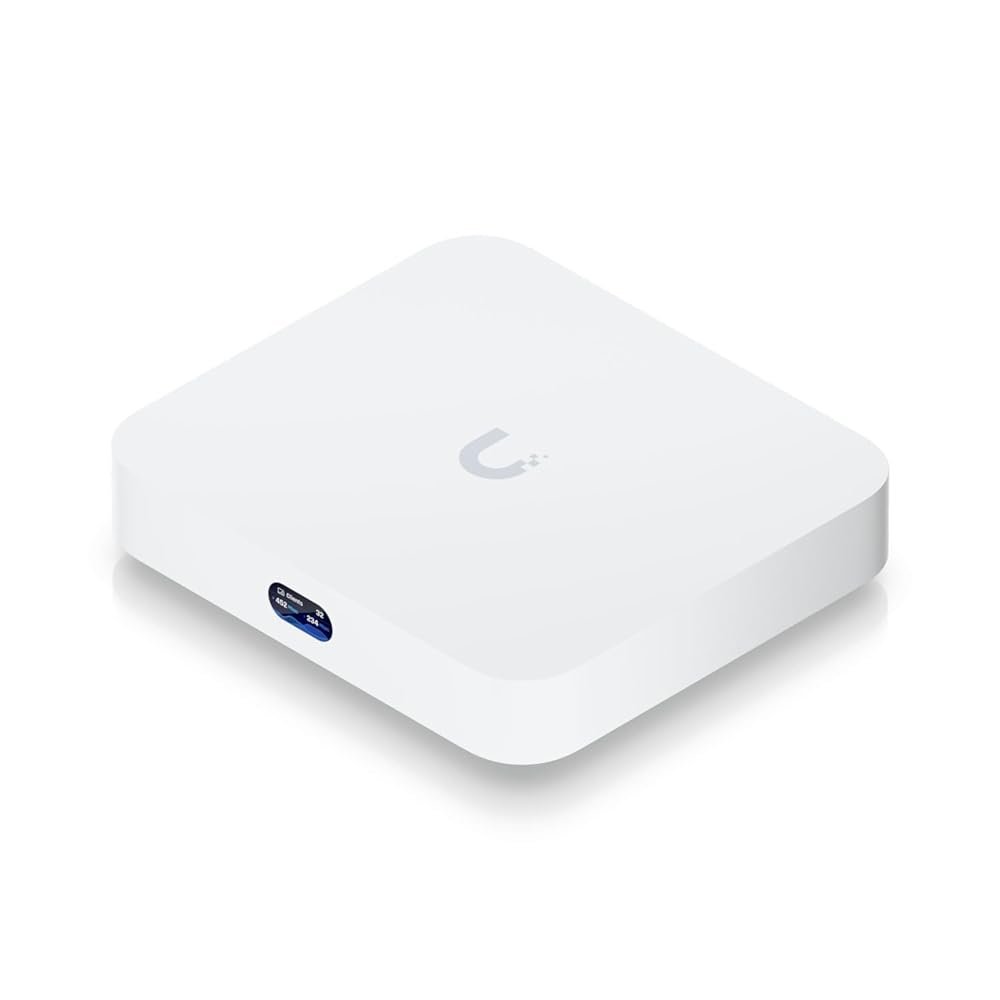
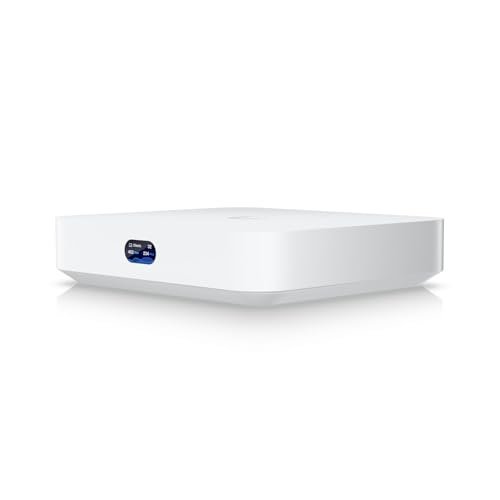
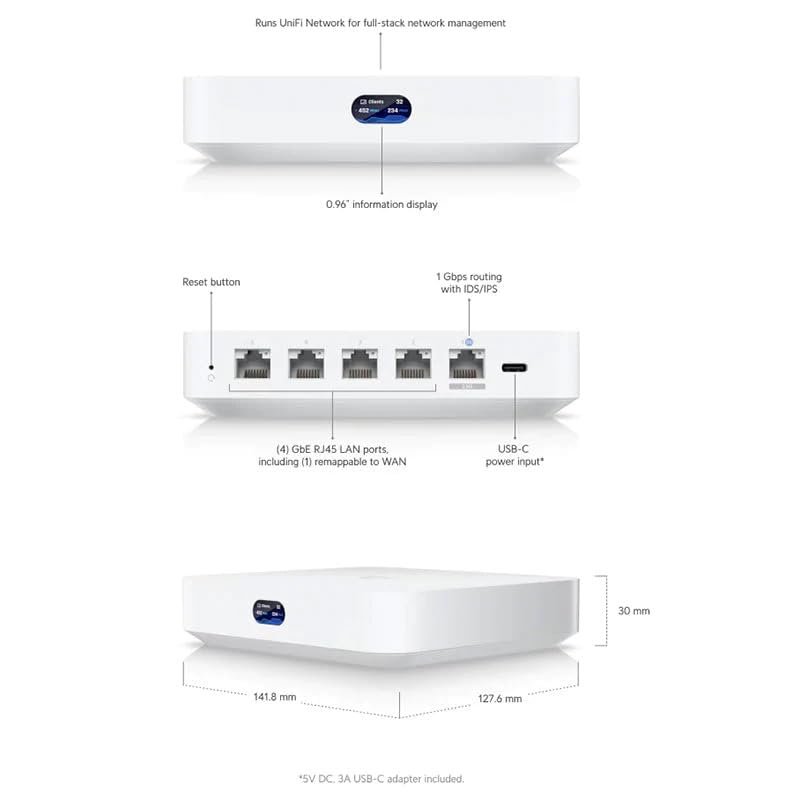
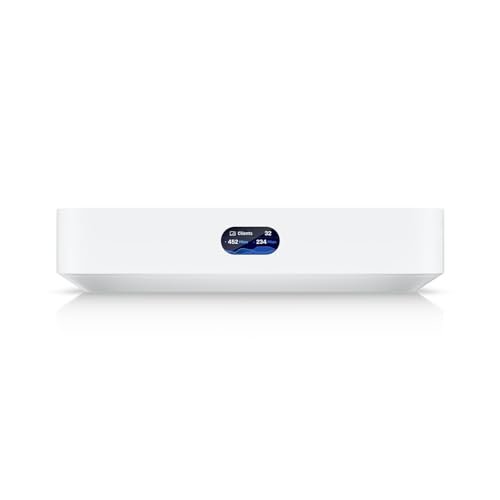
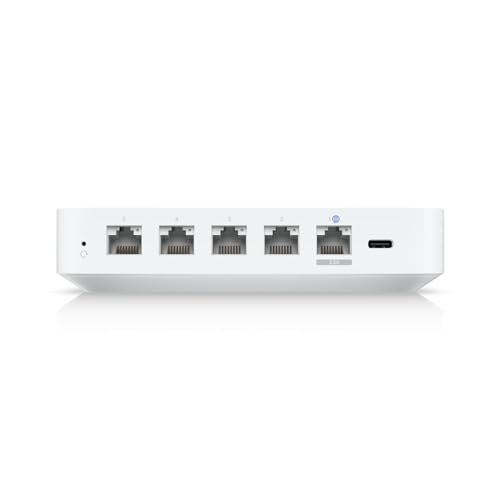
Ubiquiti Cloud Gateway Ultra (UCG-Ultra)
$87.96
Available in stock
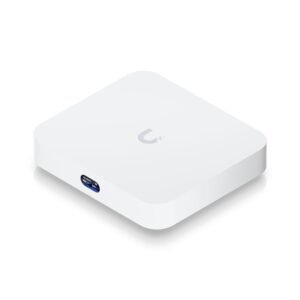
This item: Ubiquiti Cloud Gateway Ultra (UCG-Ultra)
Available in stock
$87.96
$87.96
Description
Additional information
| Product Dimensions | 5 x 5.6 x 1.2 inches |
|---|---|
| Item Weight | 1.15 pounds |
| Item model number | UCGULTRAUS |
| Date First Available | February 27, 2024 |
| Manufacturer | Ubiquiti Networks |
Reviews (469)








Kevin –
Delivery was perfectly on time.
The router was properly packed, it works as expected and I am very happy about it. I would recommend this router to a friend.
Michel –
I replaced the EdgeMax router with this. What a huge difference in UX! Very easy to set up. The app is a delight.
Stride –
You dont need a UDM Pro or UDM SE in your home, this can handle it all for a small home network. Very fast even with IPS/IPD on and get full 1gbps/1gbps speeds, you get Unifi dashboard which works amazing and Unifi just keeps updating it to make it better. This is your “gateway” (LOL) into Unifi ecosystem
Leo –
Goede router en makkelijk instelbaar, ideaal met ingebouwde controller voor al uw UniFi randapparatuur.
Stride –
I can only give 4 stars because it came with a euro power connector. Luckily I have an adapter.
Ivo –
I have more than 100 IOT and was very frustrated with my set-up (asus mesh). The 2.4 band keep disconnecting all the time. Impossible to find on many iot i could use with Asus. I concluded i had to go more professional products. Well it works after weeks i can say no more disconnect. I also bought Unifi AP for indoor and one for Outdoor. I strongly recommend the Unifi products. Be warn it is a bit more complex product than a standard mesh system (It needs a lot more reading).
DPK –
Have extensive IT experience but didn’t want to spend an arm and a leg on a dedicated firewall such as Sonicwall or similar, plus those can get troublesome after/during broadband outages, when replacing broadband routers, etc. This device worked flawlessly and even those with no tech experience will appreciate the simple setup. There’s also an optional security service you can purchase and add to the OS (yes, got that after install). I would like some additional LAN Ethernet ports (8 would be perfect) but I added a switch and Eero to complete the setup. Please note that this is WIRED ONLY. The device is smaller than my Ring alarm base station and has a pretty small footprint. Overall highly recommended based on feature-set, optional add-on security service, performance and price.
A. Emerson –
My 6 year-old home Unifi Security Gateway (USG) decided to fail unexpectedly. From reading other reviews, it seems to be happening to other people’s USGs as well as they reach that age. Since the USG is obsolete and EOL, I had to do some quick research into what the replacement options were and decided on this UCG-Ultra.
The bad thing is that my Docker container running the old Unifi server software was too obsolete to do a backup/restore config migration, so I had to manually configure the new UCG-Ultra screen-by-screen from the old Docker/USG config and then forget/adopt three switches and two APs to migrate them (along with re-creating their configs after the move). This took the better part of a day, and I still have not finished setting up my VPN server stuff yet.
The good things about the UCG-Ultra are that it doesn’t need a cloud account or paid subscription to work, and it has the management server built-in so there is no more need for the external Docker container or a Unifi Cloud Key to manage your network. It can also be managed and configured out-of-band via Bluetooth and the Ubiquiti smartphone app, which in my case with a failed USG was useful to do a basic temporary configuration enough to finish it from the network once it was in place.
No issues to report so far. Everything on the network seems a little bit snappier with this versus the old USG, but that may just be my imagination. My only fear is when this unit fails in the future, because it will also take out the built-in management server and leave nothing to recover from like I had this time. Time to research the Ubiquiti cloud backup options…..
Adam Davidsson –
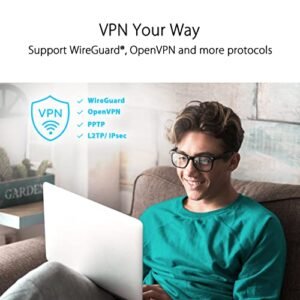
The UCG-Ultra delivers exceptional performance in a palm-sized form factor. Powered by a quad-core ARM Cortex-A53 and 3GB DDR4, it easily handles gigabit routing with IDS/IPS, VPN (WireGuard, L2TP, OpenVPN), and VLAN segmentation.
✅ Highlights:
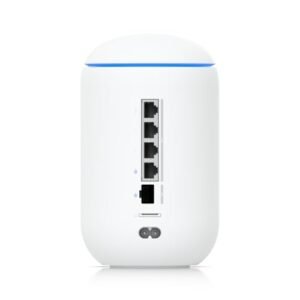
1x 2.5GbE WAN + 4x 1GbE LAN
Full UniFi integration (adopted via UniFi OS)
Supports up to ~300 clients, 30+ UniFi devices
USB-C powered; silent and fanless
Ideal for SOHO, MSPs, and lab environments
It’s a robust edge device for anyone seeking UniFi centralization without stepping up to a Dream Machine SE or UXG-Pro. Highly efficient and rock-solid for 1Gbps networks.
GK –
It is so easy to set up these devices compared to something like the Mikrotik which requires expert configuration.
BK –
Got this to reaplace my old EdgeRouter (speed) had a firewalla Blue+ (as firewall / VPN) + unifi controler on NAS. this replaced all 3 in one with GB speed (EdgeRouter cap at 500MB) and second layer firewall was slowing the small home network to 100/150. replaced the need to controler on nas and Firewall management directly on router so no need for overlay. AD bloking takes some tinkering (Google Analytics and other sites we used had to be white listed). over all we now get much better speed while still able to block kids devices from intrusive sites.
Bob in Central Oregon –
We’ve had Ubiquiti networking pieces for a while now. It started with a couple AP’s managed via a Raspberry PI, added an EdgerouterX when a prior Security Gateway turned out to be not so secure. With a local available upgrade to gigabit internet service, it’s again time to upgrade for the higher throughput, plus this cloud gateway ultra bundles Unify the management tasks with some security functions the EdgerouterX isn’t quite as good at.
Instant plusses include no-subscription access to a listing of known-bad sites to block, with a few levels of filtering available. It also supports VLANs natively, a nice feature that lets me segregate business, entertainment, and guest access pretty easily. The Unify console manages more than enough Ubiquiti devices to support our SOHO operations with two separate professional service businesses operating out of our home. The capabilities list includes multiple options for VPN access, which when paired with the VLAN capabilities completely isolates the two businesses and the rest of our home needs. Al in a compact and low-power package that lives in my server closet.
I’m still learning all the capabilities, but plenty of info and support is available through Ubiquiti’s own support resources and a fairly robust online user support base. So far I’m pleased with how it’s working and how easy it is to configure.
If you are working on a system that demands security and performance well beyond what my ISP describes as, [cough], “robust”, but don’t care to go all the way to a Meraki or similar with a subscription model, this may be the answer for you. At barely over $100, it’s a fraction of the cost of those Cisco options even without the subscription costs added on. After some of the hard-coded backdoor access options revealed in our last ‘security’ gateway, I’m a little skittish about a few of the other mid-grade pro-sumer options available now. After a few years with the Edgerouter, I’m pretty comfortable staying in the Ubiquiti product family, especially with being able to consolidate so many functions into the one little package.
Are you looking for a more secure and comprehensive upgrade from typical consume routers and wifi products? Got a range of user access needs? Got a small to medium business where you want to closely maintain user access and security for both staff and guests? This may be your answer. It has been for us so far.